Bloodhound
I had heard about bloodhound and watched a couple of videos with it being used, but I had never taken the time to slow down and dig around in it. I thought that it was cool, but also thought I could find that information out quicker from the command-line. Then I was watching some videos from the Certified Red Team Operator course and saw how powerful Bloodhound is. You might be able to find that information quicker someplace else, but Bloodhound makes planning an attack path, the most important part, so much easier. You can view what has permissions over an object, what the object has permissions over, and what kind of permissions they are. It has a planning section that makes it easy to craft an attack plan from the bottom to the top, ever move can be planned out.
Using Bloodhound
Using Bloodhound is easy, just start the container or binary, login, and begin digging through the data. The data in this example is from the Game of Active Directory and is after I compromised admin. It has all of the data from GOAD. I used the collector on winterguard.north.sevenkingdoms.local as the domain admin and collected data using Sharphound.
Finding an Attack Path
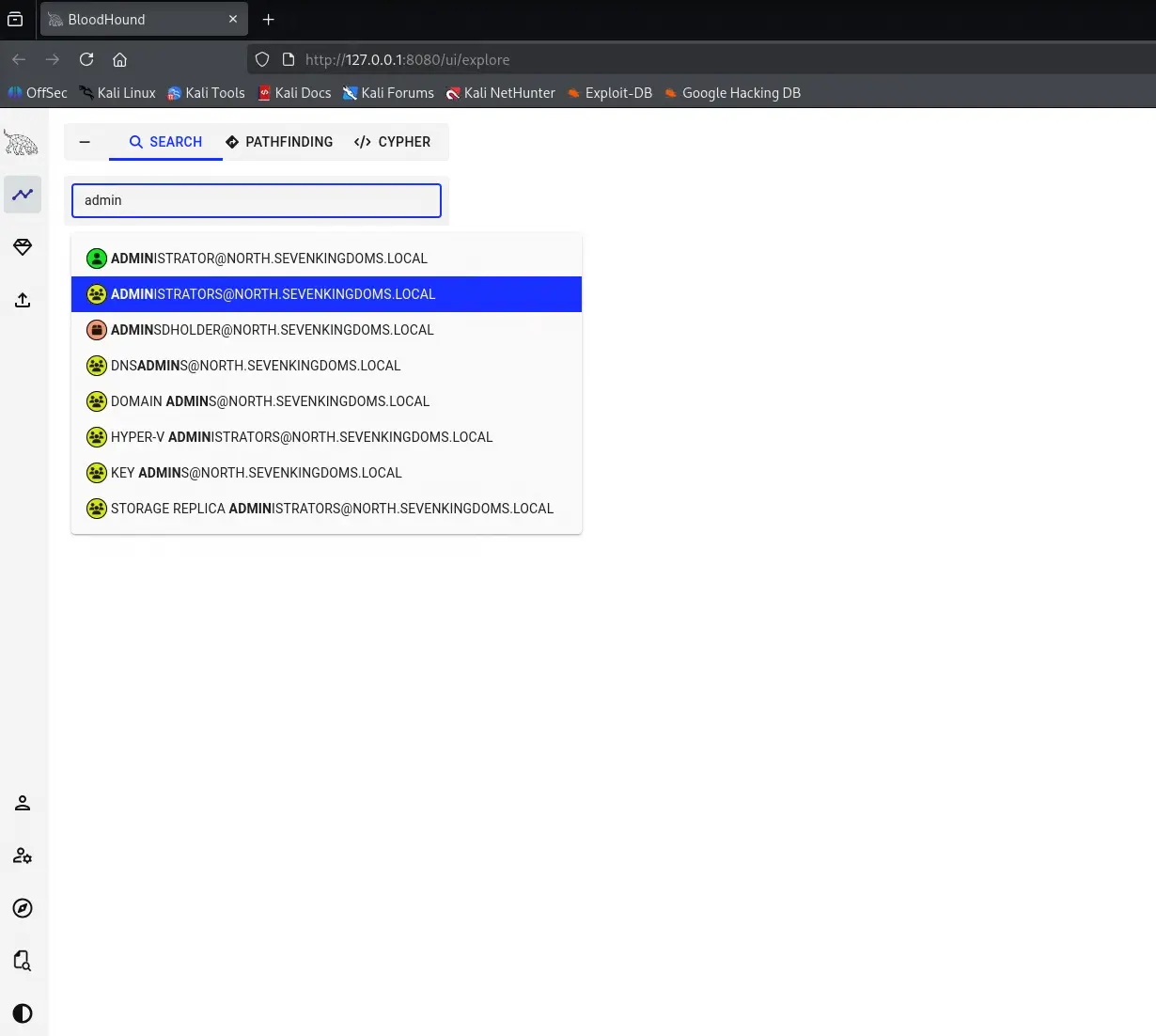
My first instinct was to search for “admin” and select the Administrators group to see what was there.
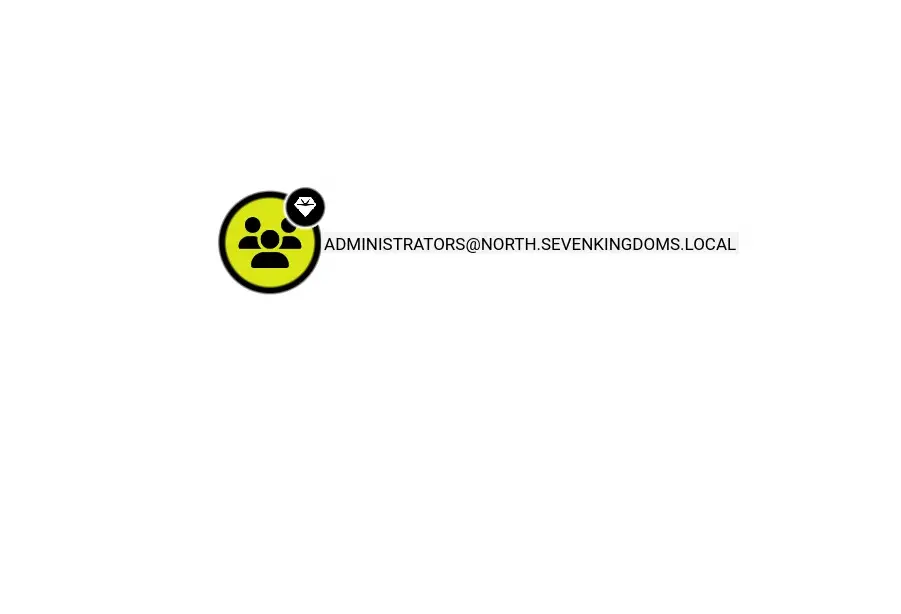
By itself, the node doesn’t tell you much. Just a lonely group sitting on the graph with no context.
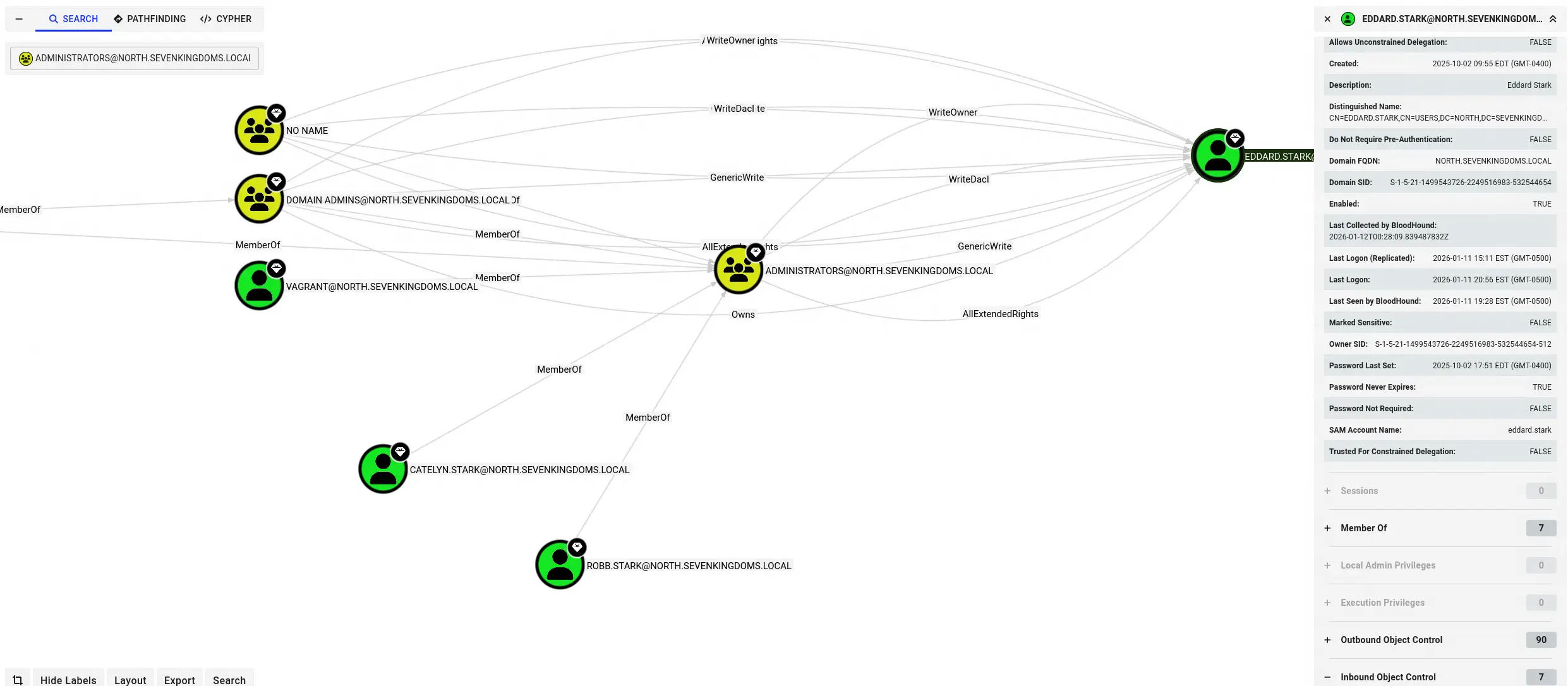
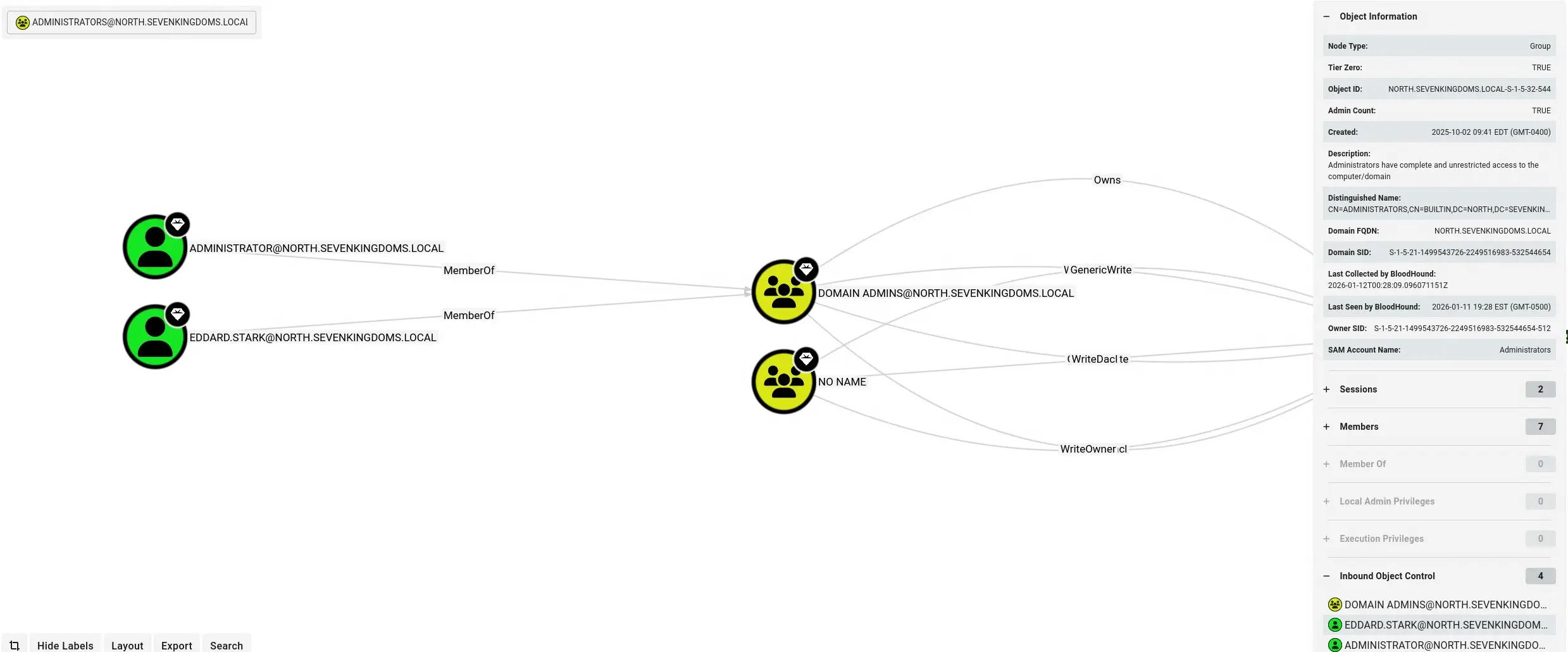
So I started digging deeper. I expanded the inbound object controls to see who has permissions over the Administrators group. This is where things got interesting. Eddard.Stark has GenericWrite and WriteDacl. Catelyn.Stark and Robb.Stark are in there too, along with Domain Admins and Vagrant. Multiple users have WriteOwner, AllExtendedRights, and Owns relationships pointing at this group.
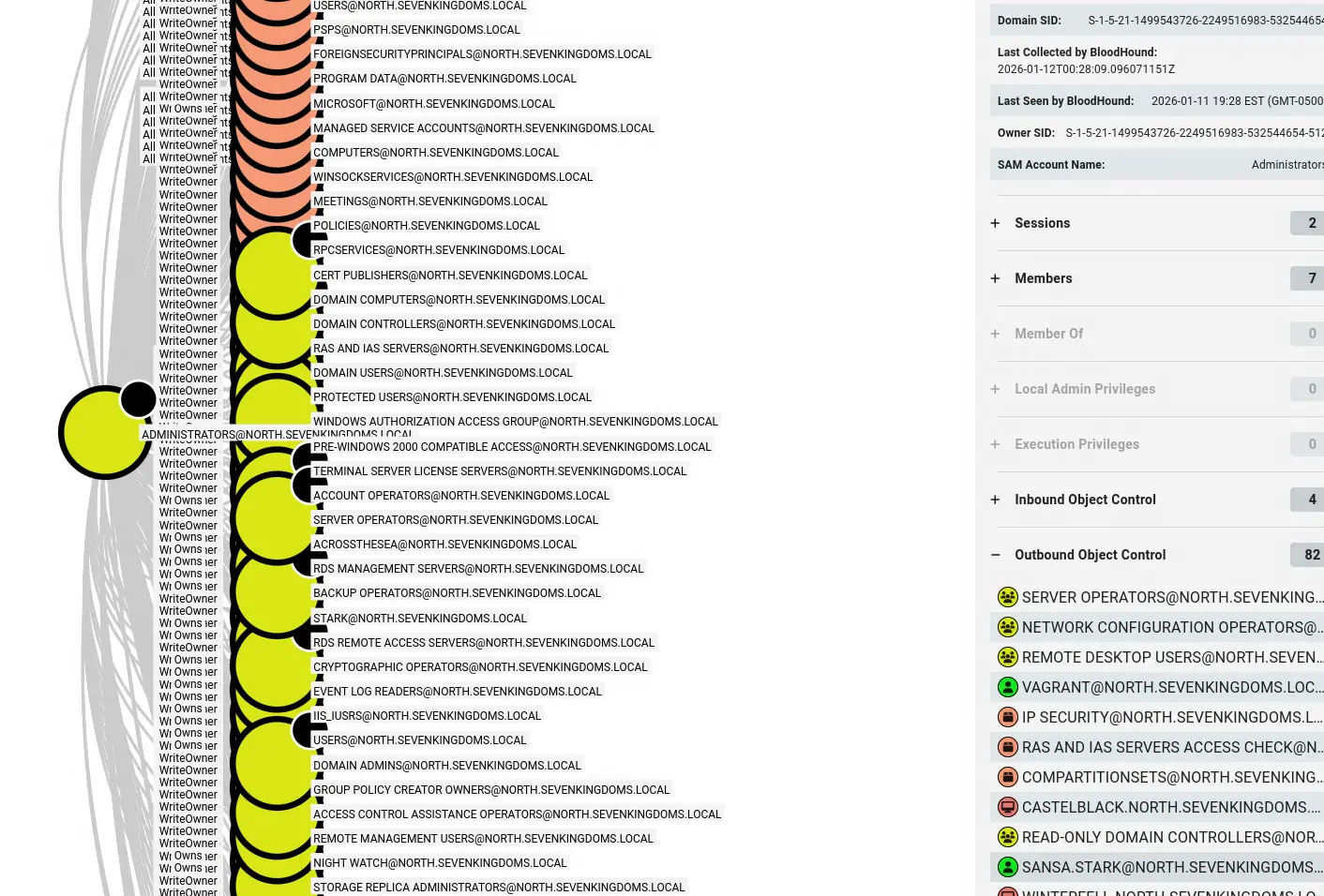
I also checked the outbound object controls to see what the Administrators group has power over. The list was massive, control over nearly everything in the domain.
Looking at Domain Admins, the members were Administrator and Eddard.Stark. So Eddard is the target, but I needed a way to get there.
Focusing on Robb.Stark
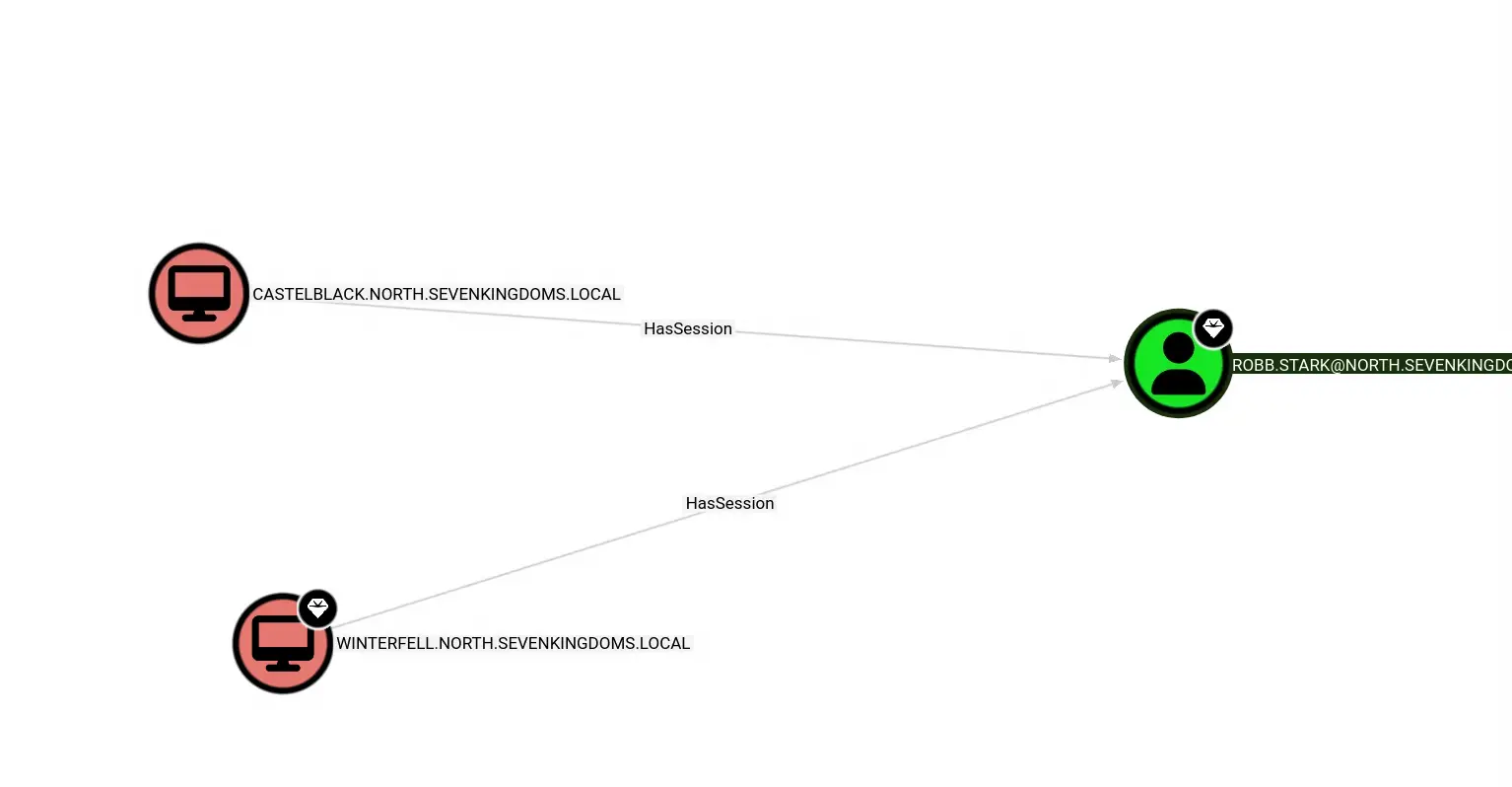
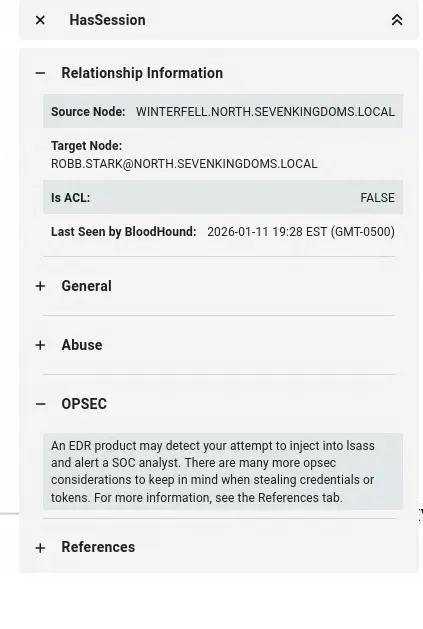
I decided to focus on robb.stark and work from him up to domain admin. Checking his inbound controls, I could see he has active sessions on both Castelblack and Winterfell. That means his credentials or tokens could be harvested from either machine.
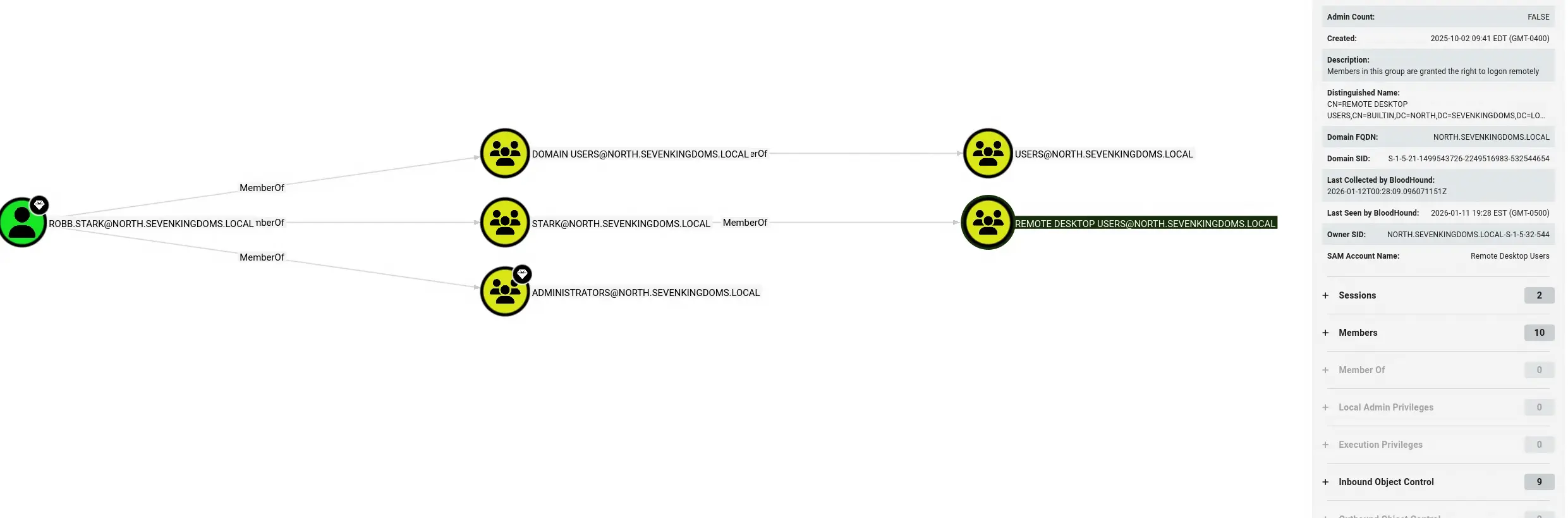
Looking at Robb’s group memberships, he is a member of the Stark group, which is a member of Remote Desktop Users and Administrators. That is a significant finding, Robb is already in the Administrators group through nested group membership.
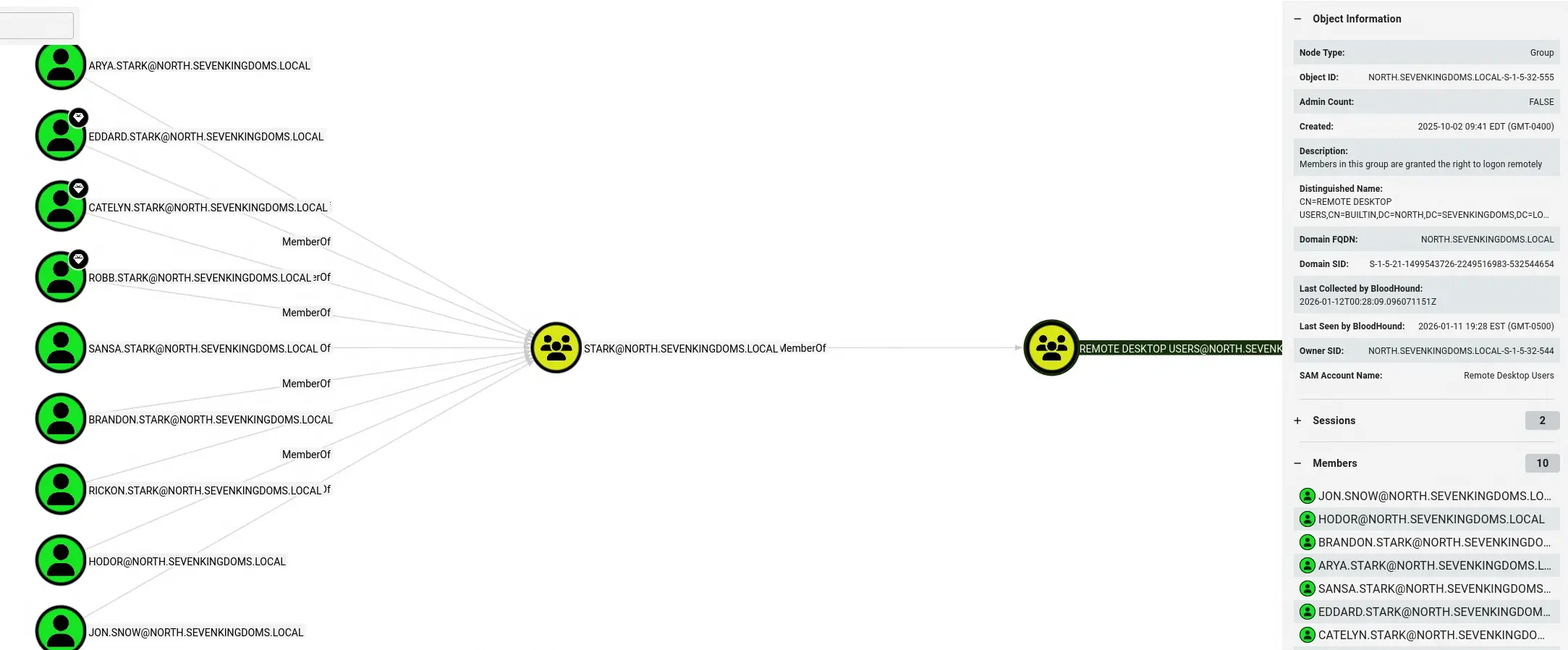
The Remote Desktop Users group has 10 members, all of the Starks plus Jon Snow and Hodor. Any of them could RDP into machines, making lateral movement straightforward.
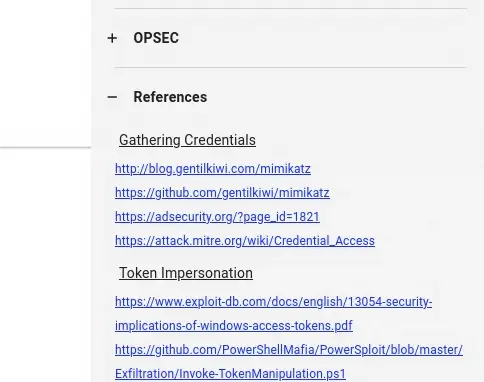
Bloodhound also provides opsec considerations for each relationship. For the HasSession edge, it warns that injecting into lsass to steal credentials could trigger an EDR alert. It even provides references for techniques like credential gathering with Mimikatz and token impersonation.
The Attack Path
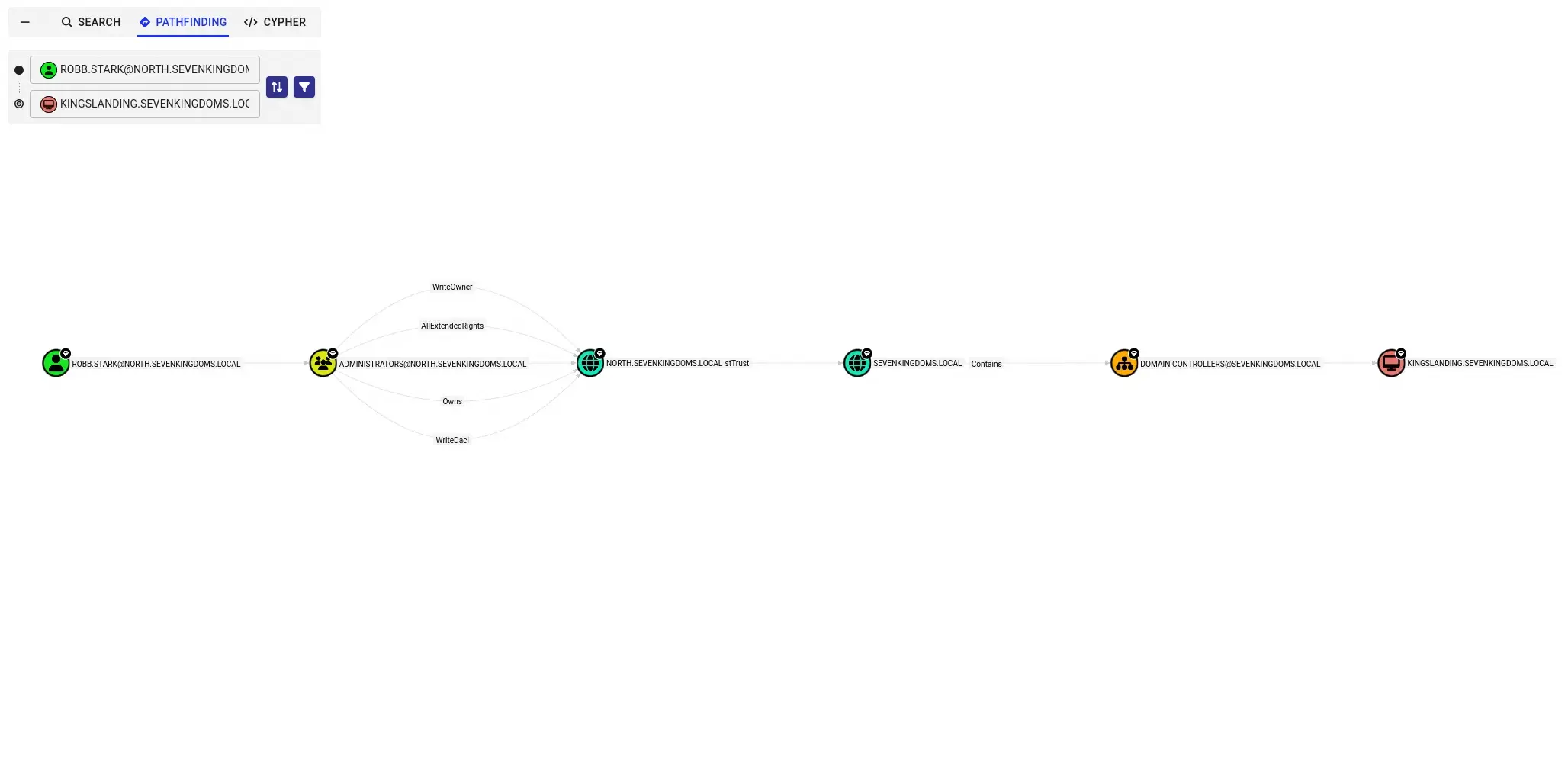
Using the Pathfinding tab, I set Robb.Stark as the start node and Kingslanding as the target. Bloodhound mapped out the full path: Robb.Stark is a member of Administrators, which has WriteOwner, AllExtendedRights, Owns, and WriteDacl over NORTH.SEVENKINGDOMS.LOCAL, which has an sTrust to SEVENKINGDOMS.LOCAL, which Contains Domain Controllers, leading to Kingslanding.
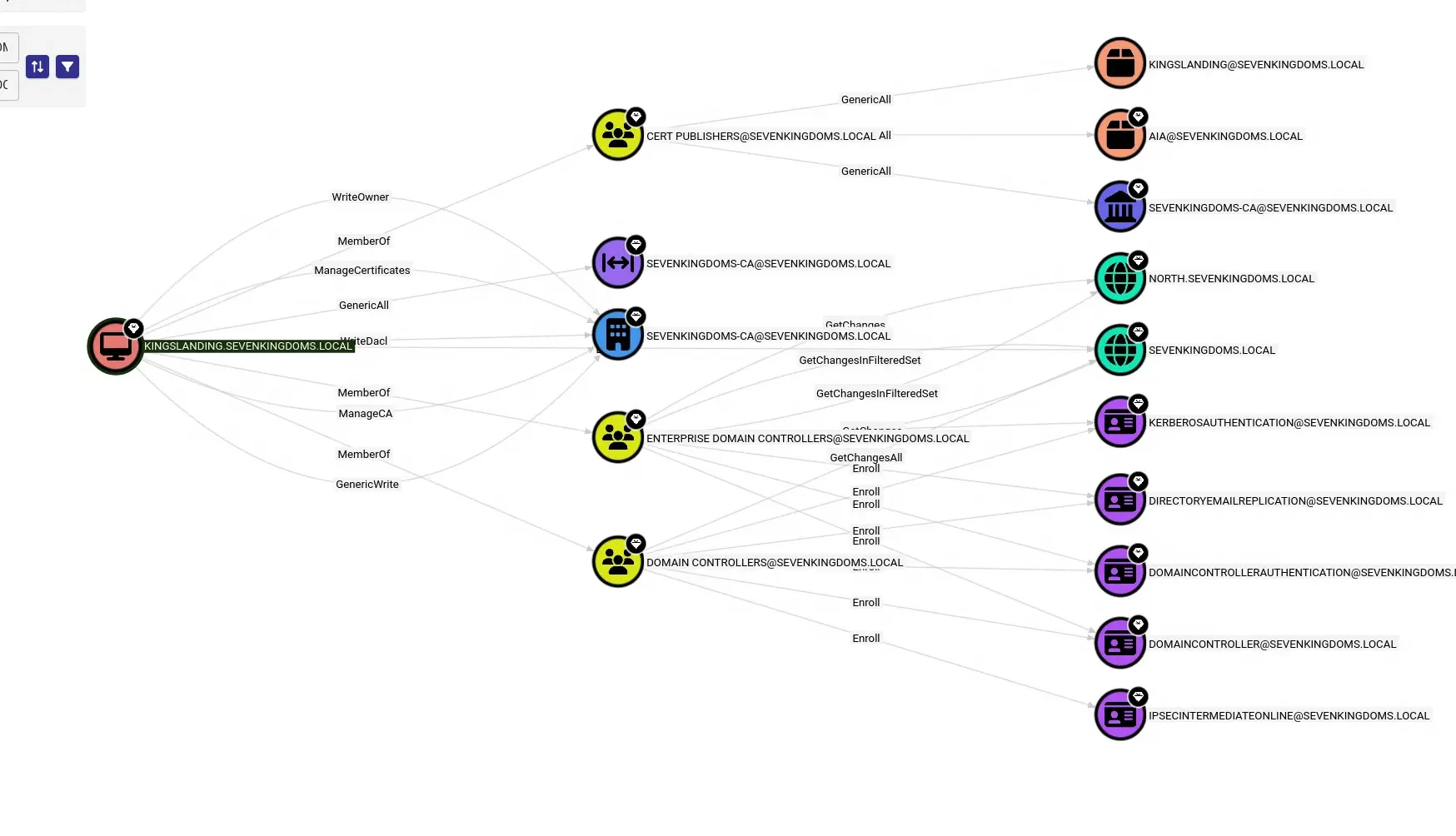
Looking at Kingslanding’s outbound controls confirmed why it was the ultimate target. It has GenericAll over Cert Publishers, ManageCertificates and ManageCA over the Certificate Authority, GenericWrite and WriteDacl over Enterprise Domain Controllers, and GetChanges/GetChangesAll over the parent domain. Full control over the entire forest.
Every step of this attack path was planned without touching a single machine. That is the power of Bloodhound.