Nethunter
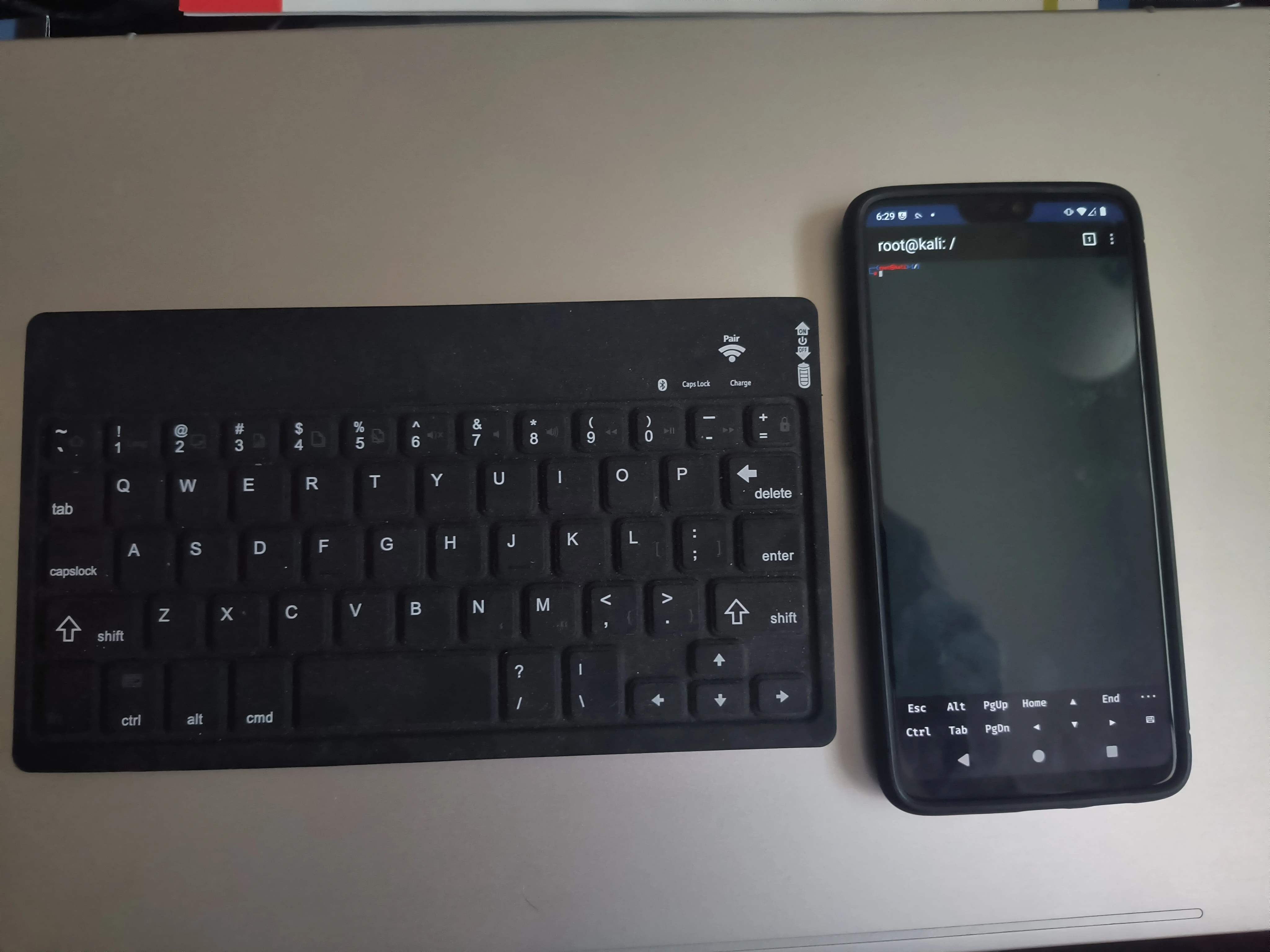
NetHunter is Kali Linux’s mobile penetration testing platform designed specifically for Android devices. Developed by Offensive Security, it transforms compatible smartphones and tablets into portable security assessment tools, bringing the power of Kali’s extensive toolset to a mobile form factor. NetHunter comes in several variants to accommodate different device scenarios: NetHunter Rootless for unrooted devices with limited functionality, NetHunter Lite for rooted devices without custom kernels, and the full NetHunter edition for rooted devices with supported custom kernels that unlocks advanced features like wireless injection and HID attacks. The platform runs a full Kali Linux chroot environment alongside the Android operating system, giving users access to the complete Kali repository of security tools through a terminal interface or graphical desktop via VNC.
What sets NetHunter apart from simply running Kali in a VM is its integration with mobile-specific attack vectors. The platform supports USB HID keyboard attacks (rubber ducky style payloads), BadUSB MITM attacks, one-click MANA Evil Access Point setups, and software-defined radio capabilities on supported hardware. For wireless assessments, NetHunter supports external wireless adapters that enable monitor mode and packet injection—capabilities not available with stock Android WiFi chips. The NetHunter App provides a streamlined interface for configuring these attacks and managing common tasks, while the NetHunter Store offers a curated selection of compatible apps. It’s particularly valuable for physical penetration tests, social engineering engagements, and situations where carrying a laptop would be impractical or conspicuous.
NetHunter can be found on the https://www.kali.org/get-kali/#kali-mobile">Kali website. There is a Pro version and an open-source version.
I had wanted to install NetHunter on a phone for a few years but I could never get it to work with the phones I had. I finally got it up and running on a OnePlus 6. I managed to root it by installing Magisk and then installing NetHunter.
If I was performing physical penetration tests or on-site penetration tests, Kali NetHunter would be a lot more useful to me. It has great features, but when given the choice between Kali on a PC and NetHunter, I would chose Kali. I can type so much faster and consistently on a PC and a laptop is just as portable. I did enjoy teaching my children about it because I think it is neat to show them that electronics don’t have to only perform the task they were made for.