OPNsense
Description
OPNsense is an open-source, FreeBSD-based firewall and routing platform that has become the cornerstone of my home lab network security. What started as a fork of pfSense in 2015 has evolved into a powerful, enterprise-grade security solution that rivals commercial offerings. The platform provides a comprehensive suite of features including stateful packet filtering, virtual private network (VPN) support with OpenVPN and WireGuard, intrusion detection and prevention systems (IDS/IPS) through Suricata, and extensive traffic shaping capabilities. The web-based interface is intuitive yet powerful, making it accessible for home lab enthusiasts while still providing the depth needed for complex network configurations.
One of the most compelling aspects of OPNsense is its commitment to security and transparency. The development team maintains a regular release schedule with security updates, and the entire codebase is open-source and auditable. The plugin system extends functionality even further, allowing integration with services like Sensei for advanced network intelligence, HAProxy for load balancing, and various DNS options including DNSCrypt and DNS over TLS. For my home lab, OPNsense serves as the primary gateway, handling firewall rules, VPN access for remote management, network segmentation with VLANs, and centralized logging to my Graylog instance. The ability to configure everything from basic NAT rules to sophisticated intrusion prevention policies makes it an invaluable learning tool for understanding network security principles while providing production-quality protection for my infrastructure.
Personal Experience
In my personal experience, I have spent so much time in OPNsense that I know it almost like the back of my hand. In other words, I know how to setup and configure most of the features in OPNsense, but I can always find one more plugin that changes the way I use it. Having an inline IPS/IDS is an invaluable learning experience that has helped me to completely destroy streaming at my house on more than one occasion. A Sophos XG 230 was the first piece of equipment that I purchased for my homelab and it only took me a couple months to get tired of the Sophos platform and want to use something more open. I wanted to pick a firewall apart and learn as much as I could.
First I used PFsense for a little while and then I heard about OPNsense and its Zenarmor plugin. I knew I had to try it out, but after using it for a while, I realized that it didn’t really do that much without paying the subscription. Sure it made some nice looking graphs and showed me what all the traffic was, but without a subscription it did little more, except eat the memory on my firewall. That’s when I decided to uninstall it and take my time configuring the built-in IDS/IPS. It was easy enough to setup. I picked a couple rulesets and the interfaces that I wanted to protect. I had it set to prevention for a little while, but noticed that it would slow down the internet when my whole family was using it.
Unbound
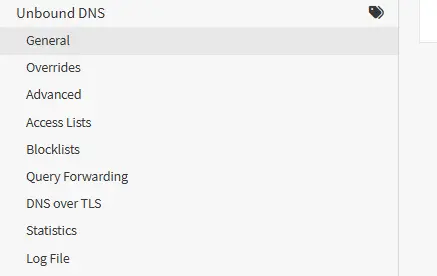
Having Unbound on the firewall made configuring my own DNS server a breeze. Before using Unbound, I had an lxc container with Technitium DNS installed on it and I used a Pihole for a little while. All three services allow you to create block lists for ads, malicious domains, or any other site that you want to DNS sinkhole. I like having the DNS on my firewall though. Right now it is my gateway, DNS server, and DHCP server. So as long as I keep in running, I will have internet. I discovered pretty quickly that if you are running a DNS server on Proxmox and you take that Proxmox node offline, your children will very quickly become displeased with you.
Syslog and Authentication
I have learned so much from using OPNsense. I set up a Graylog server and forward all of my logs to it. This allows me to quickly query network data and have a much longer log history. It was one of the first device that I used my Active Directory server for federation with. It was also the first device that I configured with OIDC when I began using Authentik.
VLANs and Port Aggregation
I learned about VLANs by creating them on OPNsense and my switches. I also learned how to configure LAGG or port aggregation using LACP on OPNsense. I use that with as many high traffic devices as I can now. My Proxmox nodes, Synology, domain controller, and Unifi switch are all connected using port aggregation. Only my switch connects to OPNsense using it though.
Backup to Git
Another neat plugin is backup to Git. This plugin allows you to backup your OPNsense configuration to a Git repository. I use Foregjo for this, but GitHub would work as well. Using this backup has helped me to get up and running quickly again when I manage to completely lock myself out of OPNsense.
Tailscale
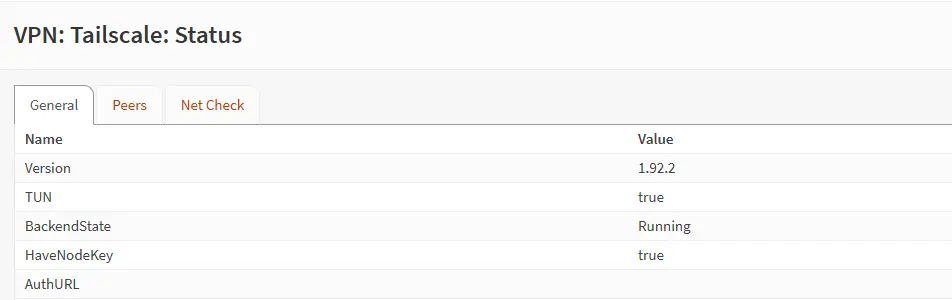 I have been using Tailscale as my remote access VPN of choice for a long time now. The OPNsense plugin allows me to make my firewall the subnet router for my home network. Then I just connect my laptop or phone to my tailnet and it is just like I am at home. It is another way for me to keep all of my external access services on one device.
Crowdsec
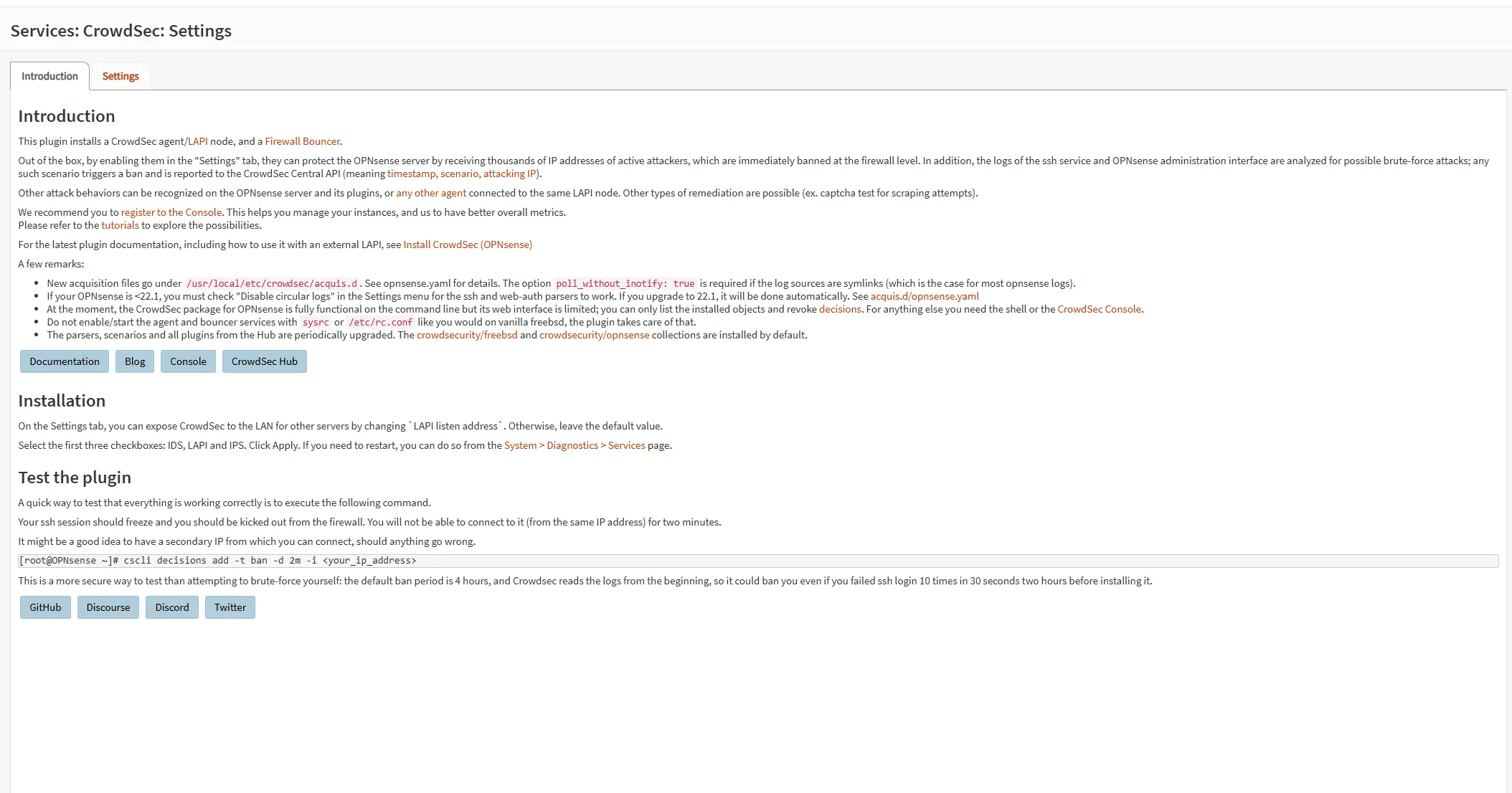 Crowdsec is a blessing as well. It is quick to configure and helps to block even more traffic before it reaches my home network. It helps to lower the amount of traffic on my network by blocking malicious traffic before it passes the firewall by using community driven threat intelligence.
Ntopng
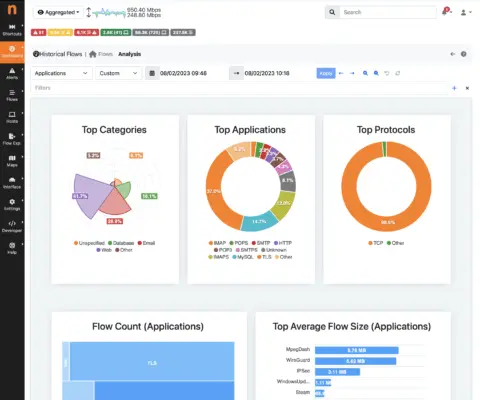 Ntopng is another service that provides an incredible amount of real-time network data. When turned on it is accessible on a different port of your firewall, by default 3000. I did notice my network slowing down when it was active though. This may have been because it was using more resources to analyze and extract data from every network connection.
Prometheus Exporter
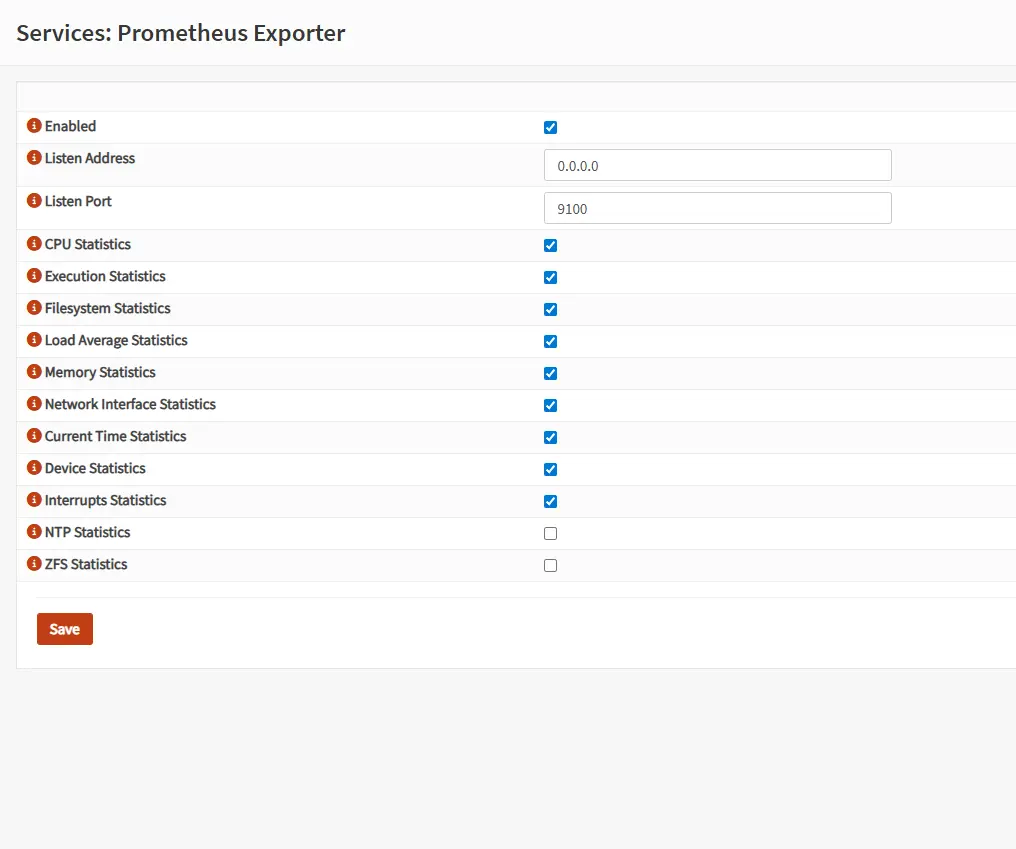 I wasn’t the biggest fan of Prometheus for a while, but that was just because I didn’t really understand how to use it. Now I can’t have a setup without it. Prometheus Exporter publishes metrics for your device on a port that allows your Prometheus installation to scrape them and build a queryable data set. You can then pull that data from Prometheus into another service like Grafana and build detailed dashboards with insightful graphs and charts.
Tor
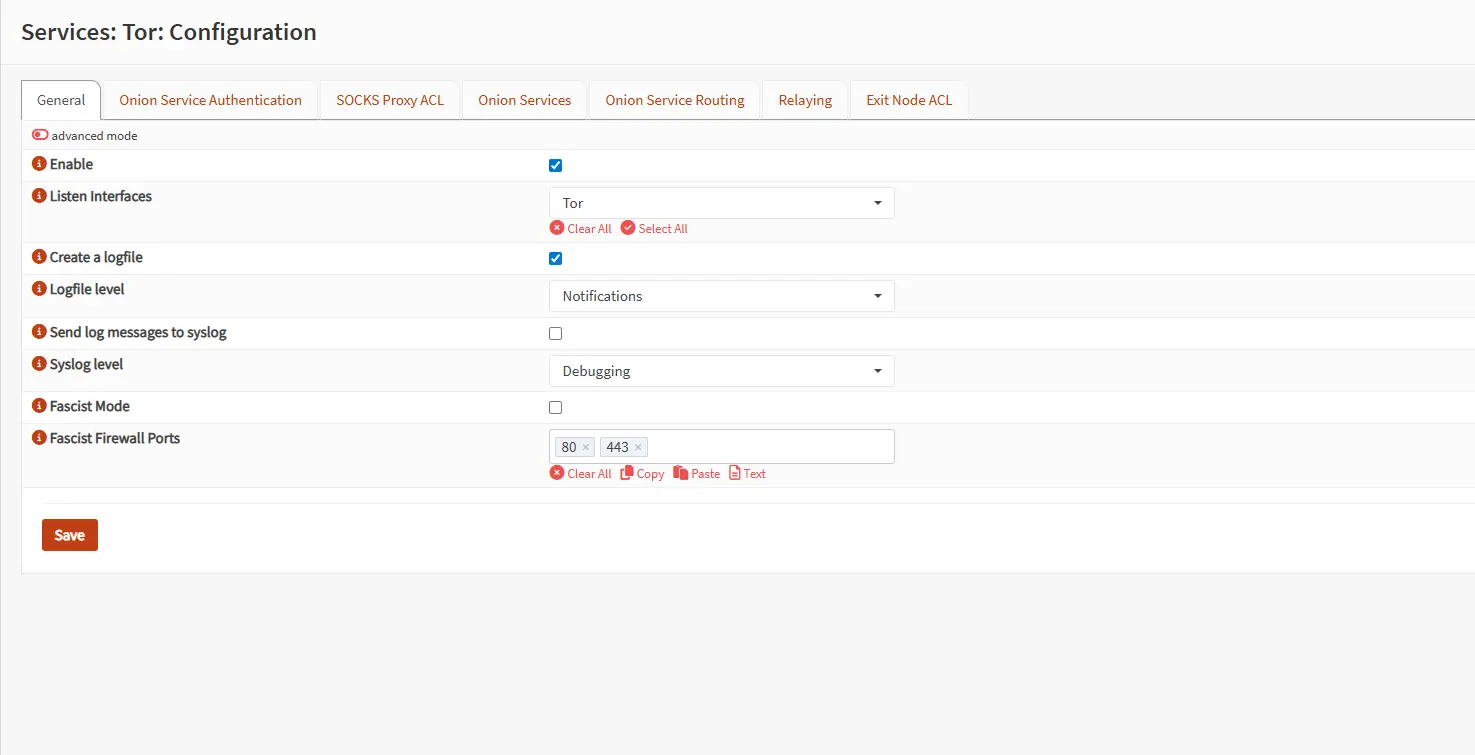 Tor is another topic that I have spent a decent amount of time trying to understand. I have always been interest in the idea of a darknet, but after browsing it a few times quickly realized that the amount of effort I would need to put in to receive any meaningful information was more that I wanted to exert at that time. The interesting thing about configuring Tor on OPNsense is that you can tie it to a port on your firewall and anything that connects to that port will automatically be connected using the Tor network.
Wazuh Agent
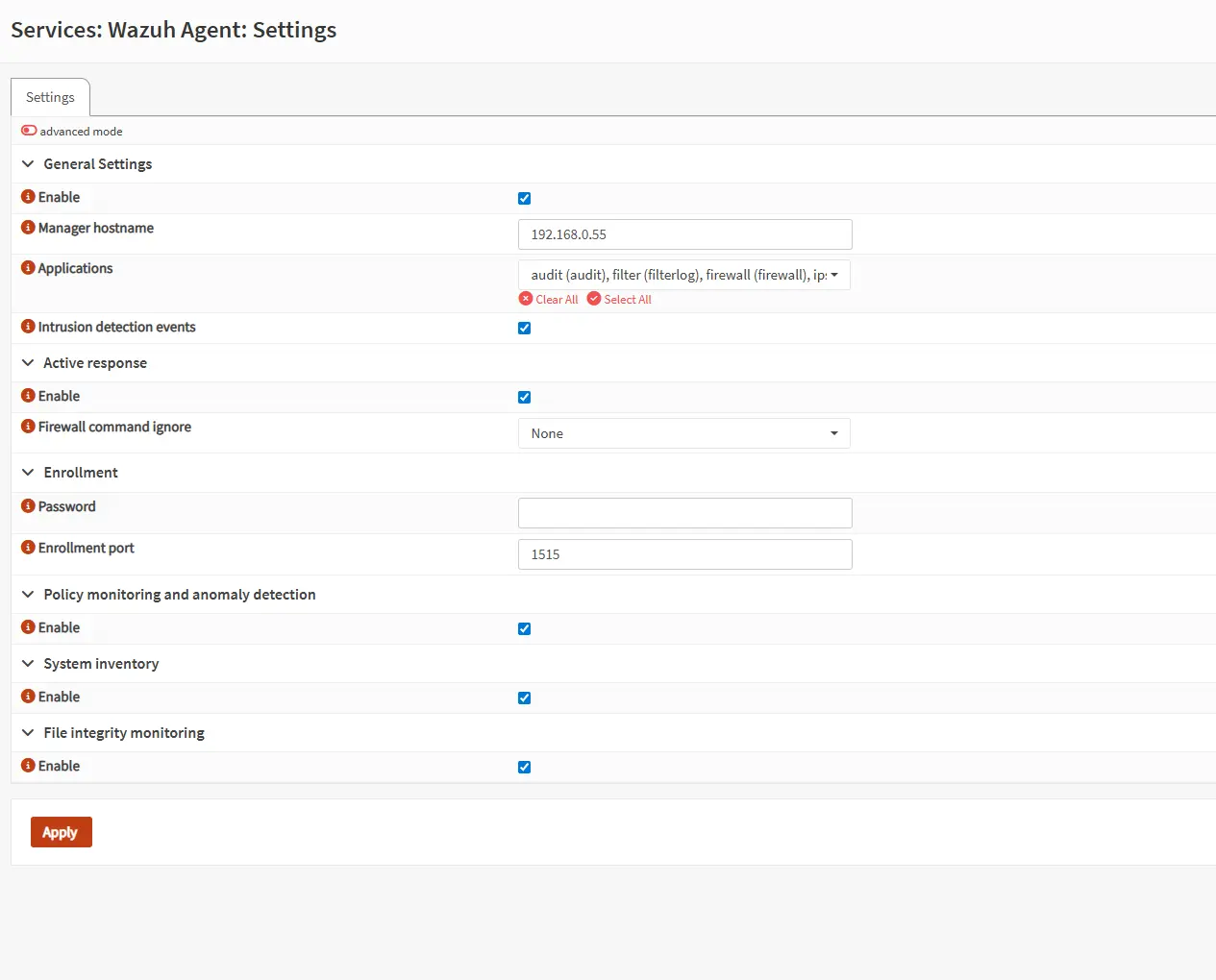 The Wazuh agent was another helpful plugin for my other projects. I is a quick and easy way to connect your firewall to Wazuh and have it aggregate and analyze OPNsense as well. Having agents on your hosts and firewall allow you to have a more complete view of your internal network.