Pairdrop
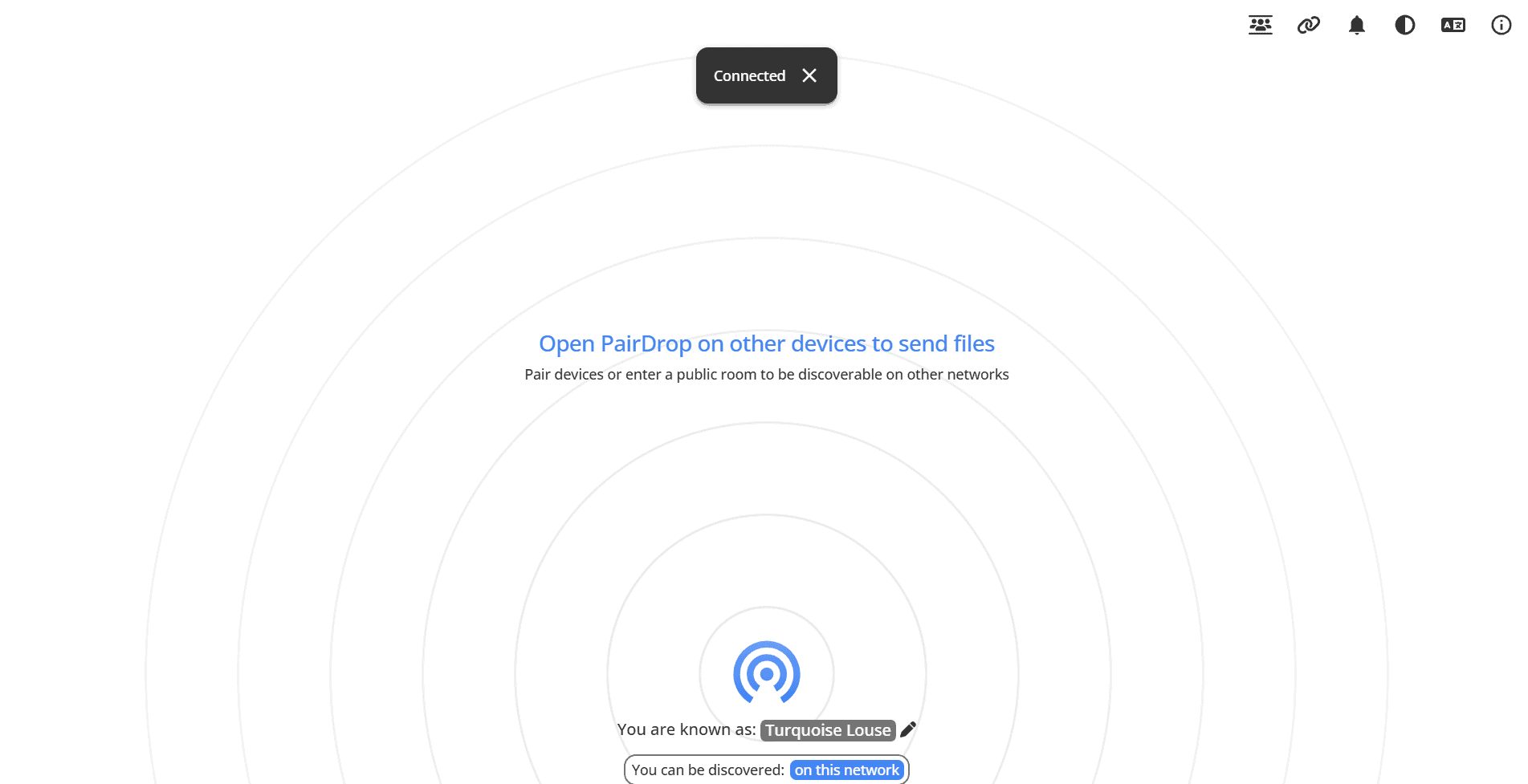
Local File Sharing
Pairdrop enables instant file sharing between devices on your local network through a simple web interface.
Key Features
- No account required
- Browser-based file sharing
- Works across all platforms
- Local network transfer
- End-to-end encryption
Why I Use It
Pairdrop makes it incredibly easy to share files between my devices without using cloud services or USB drives. Perfect for quickly moving files between my laptop, phone, and workstation.
Honestly, I thought that I would use Pairdrop more than I do, but since half of my time is spent on the terminal, I got more comfortable using SCP. It is useful for situations that I want to quickly send a file to a guest or one of my family members. They actually use it more than I do since I exposed it to the internet with Pangolin. They can quickly trade music or videos with their friends and extended family members. I think their favorite part is that unlike OneDrive or Google Drive they do not need to login and the recipient does not need to have permissions to read the share. For this use case, it is also beneficial that it does not actually store any files. After the transfer, the data is gone.
Links: GitHub