VS Code Server
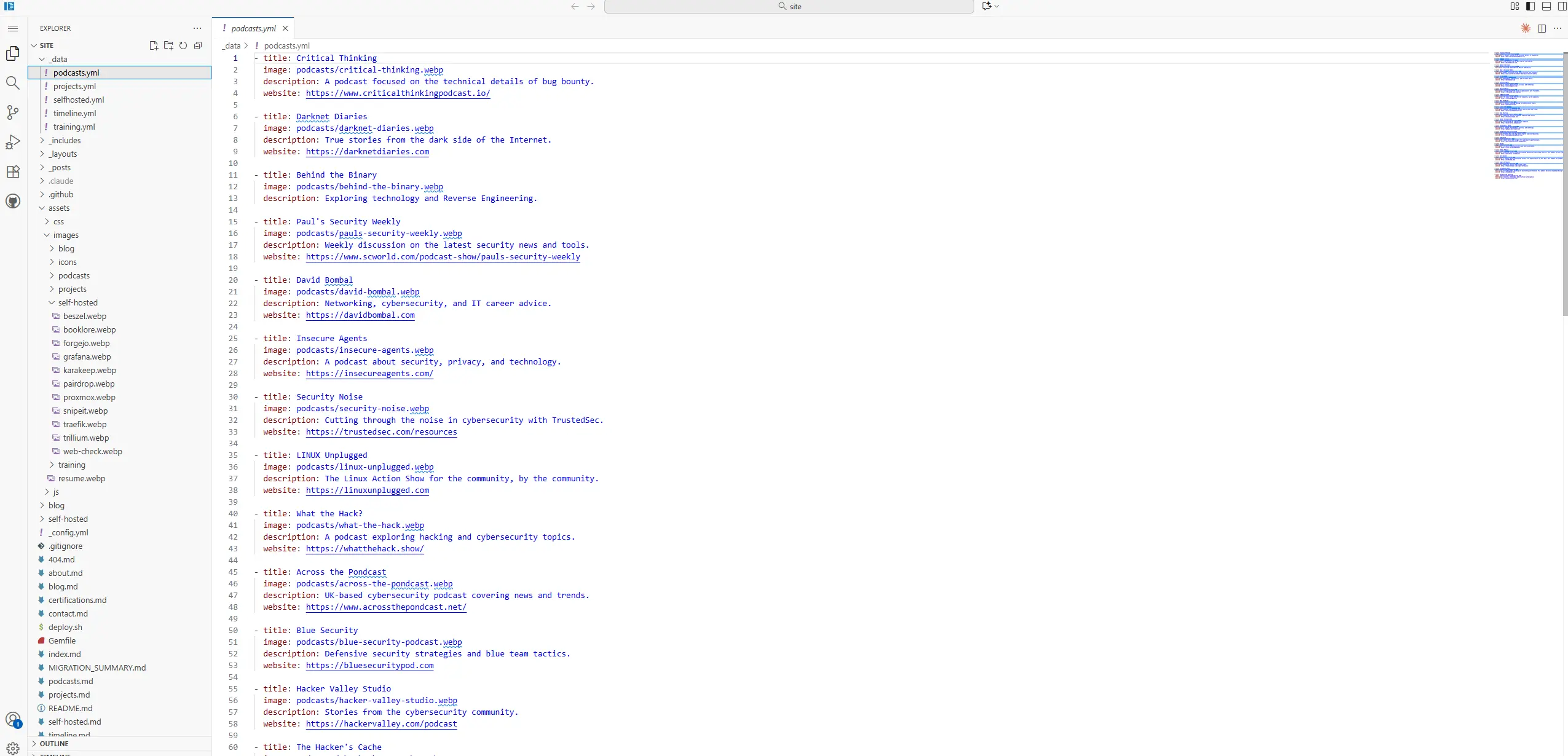
Browser-Based IDE
VS Code Server (code-server) allows you to run Visual Studio Code on a remote server and access it through your browser from any device.
Key Features
- Full VS Code experience
- Extension marketplace
- Terminal access
- Git integration
- Multi-language support
- Accessible from anywhere
Why I Use It
Having a full VS Code environment accessible from any browser means I am not tied to my main workstation when I want to work on something. Whether I am on a laptop, a different machine, or just want to make a quick edit without pulling out my primary computer, VS Code Server is there with the full editor experience — extensions, terminal, git integration, all of it. It runs on my server, so the files and environment stay consistent regardless of which device I am coming from. For working on projects that live in my homelab, it is significantly more convenient than setting up local development environments on multiple machines.
Links: GitHub · Official Site